
AI image generator, editor & background remover— that turns your photos into videos, too
One studio for every image and video job — generate from text, edit with a prompt, remove backgrounds and objects, upscale to 4K, then turn your photos into reels, karaoke lyric videos, narrated explainers and data infographics, and publish them straight to your socials.
Free plan · fast AI images every month · no credit card
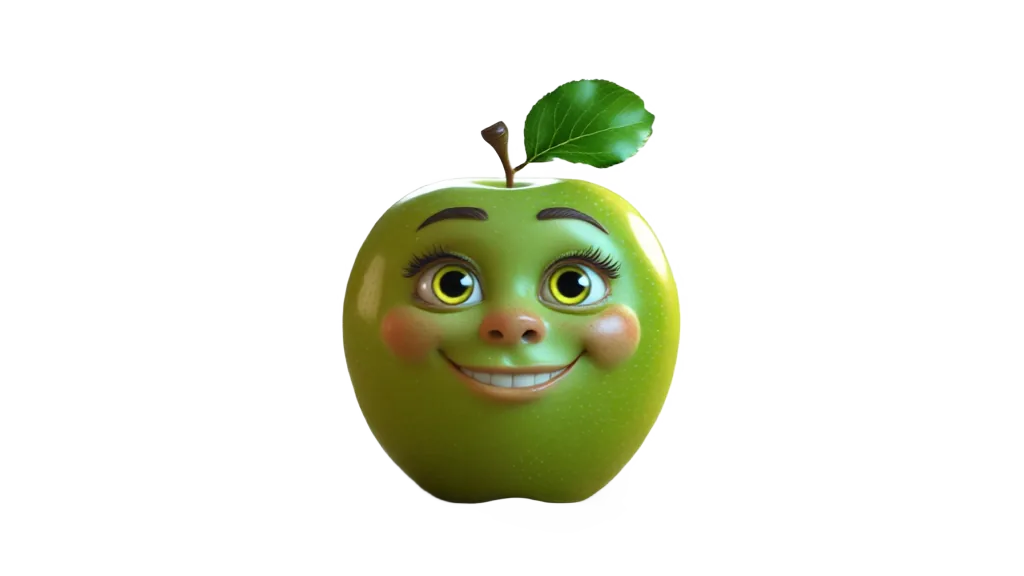
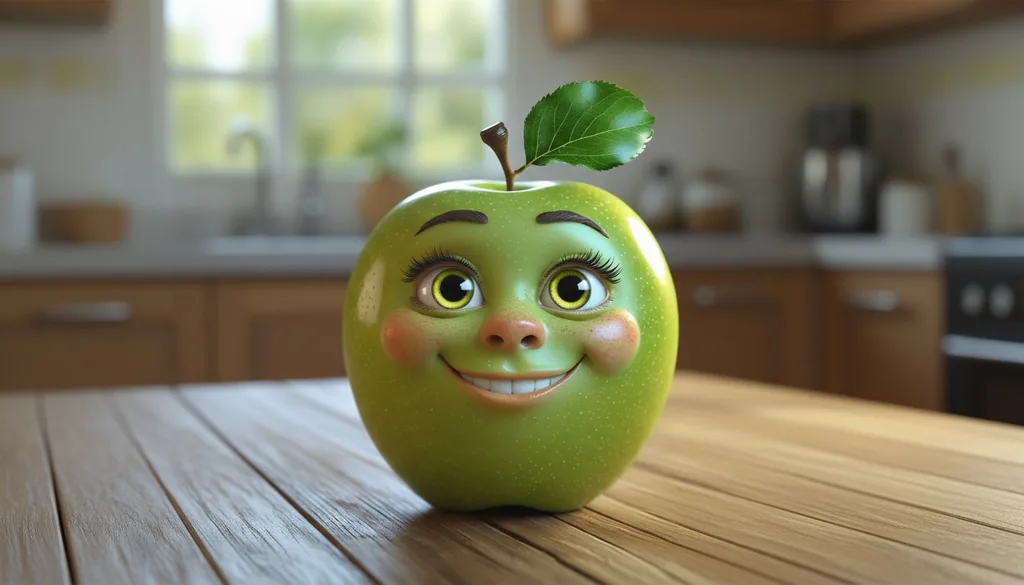
Remove Background — pixel-perfect cutouts, down to the leaf edge.
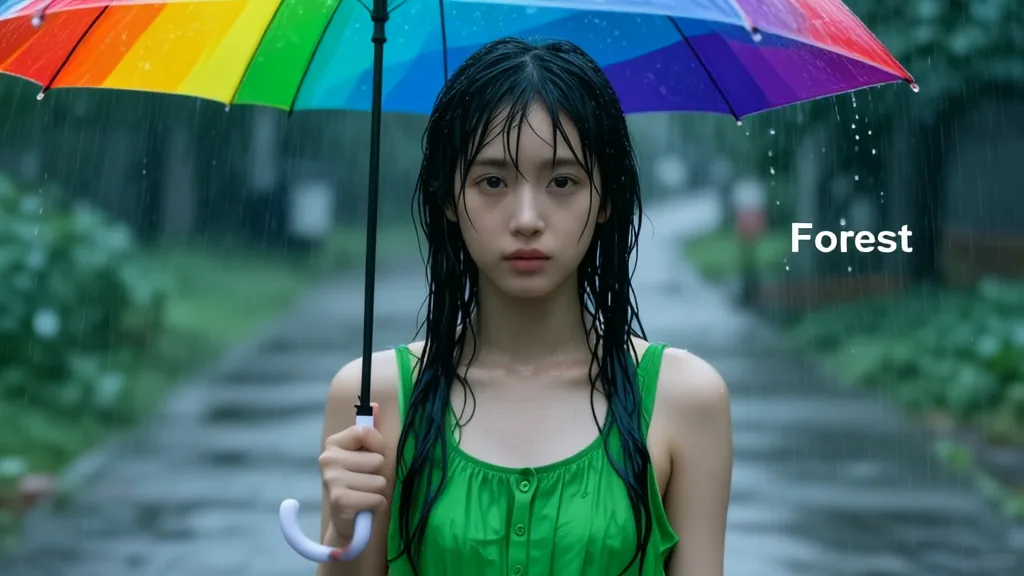
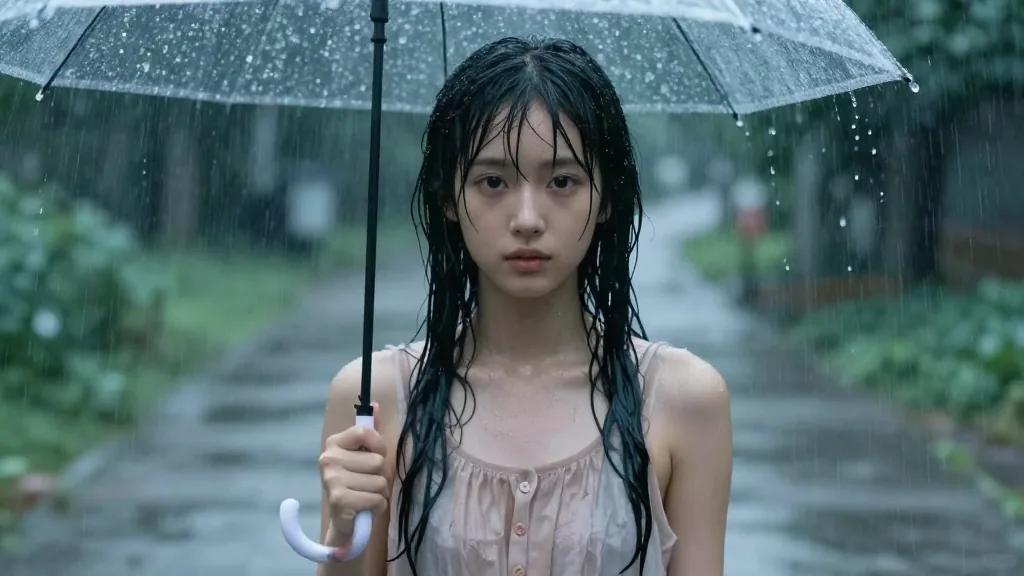
AI Edit — recolor, swap objects and add text with a prompt.
Everything you can do
11 tools, one account, shared credits — plus plugins for Figma, Photoshop, Zapier and more.
Generate
Create images from a text prompt with top AI models.
AI Edit
Change, add or remove anything with a prompt — plus masks and text.
Video Studio
Photo reels, karaoke lyric videos, narrated explainers and data infographics — with templates, music and effects.
Interior Design
Restyle any room — swap furniture, materials and moods from a single photo.
Object Remove
Erase people, clutter or watermarks and let AI fill the gap seamlessly.
Upscale
Enlarge and sharpen images up to 4K without losing detail.
Remove Background
Pixel-perfect cutouts on hair, glass, text and illustrations.
Localize
Translate the text inside an image into many languages — same layout and fonts.
Layers
Split an image into its objects, each as a transparent PNG layer.
Bulk
Process hundreds of images at once — removal, upscale, edit.
Workflows
Chain steps into one automated run across your images.
Video Studio
From photos and data to a finished video
A full timeline editor with music, effects, text and captions. Render only the part you changed for fewer credits.
Photo reels & celebrations
Birthdays, weddings, travel and 12 festive templates — Diwali, Eid, Christmas, New Year and more — with wipes, motion and animated backgrounds.
Karaoke lyric videos
Lyrics light up word by word. Switch between the song with or without vocals, in English, Hindi and other Indian languages.
Narrated explainers
Type a script for an AI voiceover, or add your own — captions highlight each word as it's spoken.
Infographic Studio
Paste data or drop a PDF or spreadsheet: charts, KPIs, timelines, bar chart races and YouTube-style explainers.
Ready-made templates
A finished example for every format in 16:9, 9:16 or 1:1 — load one, swap in your photos, or save your own as a template.
Share & publish
Download HD (or ProRes), share a link, embed it, or post straight to YouTube, Instagram, TikTok, LinkedIn and more.
Background removal
Strong exactly where others fail
Glass & transparency
Semi-transparent objects keep real alpha instead of turning into opaque blobs.
Hair & fur
Fine strands and wispy edges survive, not just hard silhouettes.
Camouflage
Finds the subject even when it blends into the background — ahead of a commercial reference on Lucida's published benchmark.
Text & logos
Soft drop-shadows preserved as partial alpha — also ahead of the commercial reference on that benchmark.
Illustrations
Line art, anime and flat art cut cleanly — the third category where Lucida leads on its benchmark.
Glow & VFX
Neon, particles and halos handled without ghosting on solid objects.
Benchmark: the 191-image test set published by the authors of the open-source Lucida model (MIT licence), which PixelMagic runs for background removal. Results are theirs, not an independent test — try your own hardest image to compare.
Everything you expect — and more
Everything you'd expect from remove.bg, Photoroom, Pixelcut and Slazzer — plus a full video studio.
Frequently asked questions
What can PixelMagic do?+
PixelMagic is an all-in-one AI image studio. You can generate images from text prompts, edit images with AI, remove objects, upscale images up to 4K, translate text inside images, split images into layers, remove backgrounds with pixel-perfect edges, and make videos — photo reels, karaoke lyric videos, narrated explainers and infographic videos — then publish them to your social accounts. Plus bulk processing, automated workflows, team workspaces, plugins and a public API.
Can PixelMagic make videos?+
Yes. The Video Studio turns photos into reels with music, transitions and effects, and makes karaoke lyric videos (with or without vocals), narrated explainers with an AI voiceover and word-by-word captions, and infographic videos from your data, PDFs or spreadsheets. Every format has a ready-made template, and finished videos can be downloaded, shared by link, embedded or posted to YouTube, Instagram, TikTok and more.
Is PixelMagic free?+
Yes. The free plan includes a monthly allowance of fast AI image generation (FLUX Schnell) plus credits to try premium tools, with no credit card. Paid plans add more fast generations, more credits, higher resolution and larger storage.
How good is the background removal?+
PixelMagic uses the open-source Lucida model to keep fine detail on hair, glass, camouflage, text and illustrations — the cases most tools get wrong.
How do credits work?+
One credit balance works across every tool. 1 credit = 1 HD image for background removal, and each AI model shows its credit cost before you run it. Credit packs roll over for 12 months.
Is there an API?+
Yes. A REST API covers every tool, and an MCP server lets AI agents like Claude and Cursor use PixelMagic directly.
Your whole creative studio. One account.
Images, videos and automation on one credit balance. Start free, upgrade when you scale — API and MCP included from Pro.